









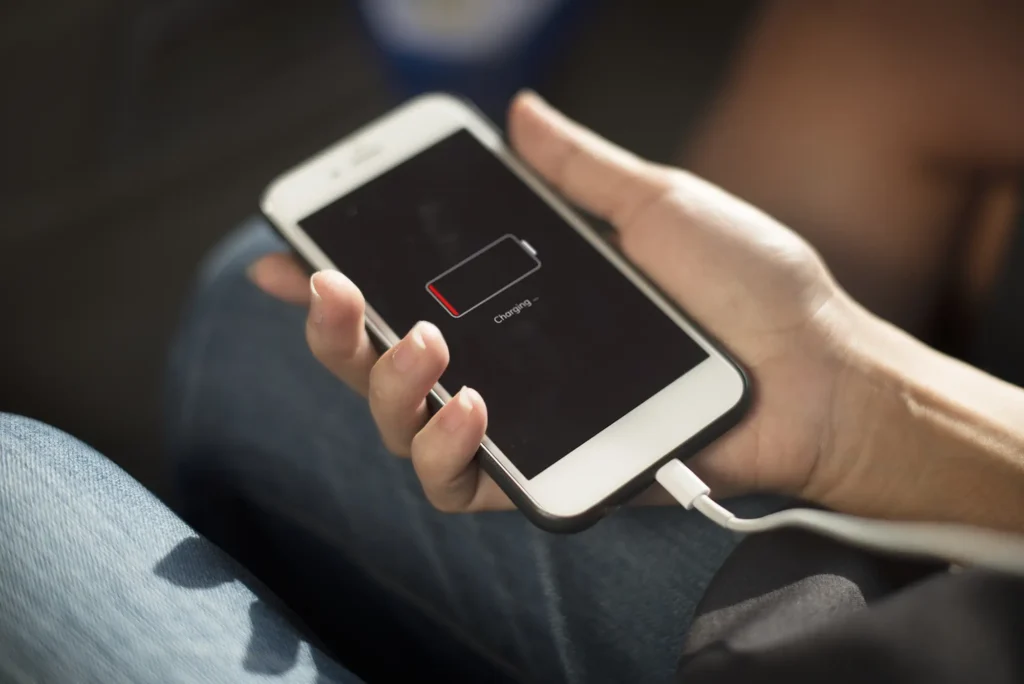
Phone Not Charging? 5 Quick Fixes to Try Before Visiting Us
Your laptop won’t turn on, and panic sets in. Don’t worry — most of the time, the issue is something small and fixable. Before you rush to the repair shop or give up on your device, try these five simple steps. They could save you time, money, and stress.
A New Chapter for Computronic
We’re growing—and so is our brand. Over the years, Computronic has evolved far beyond a single store. To better serve our customers, we’ve split our services into four specialised brands, each with its own dedicated website.
Step-by-Step Installing a Printer on Any Device
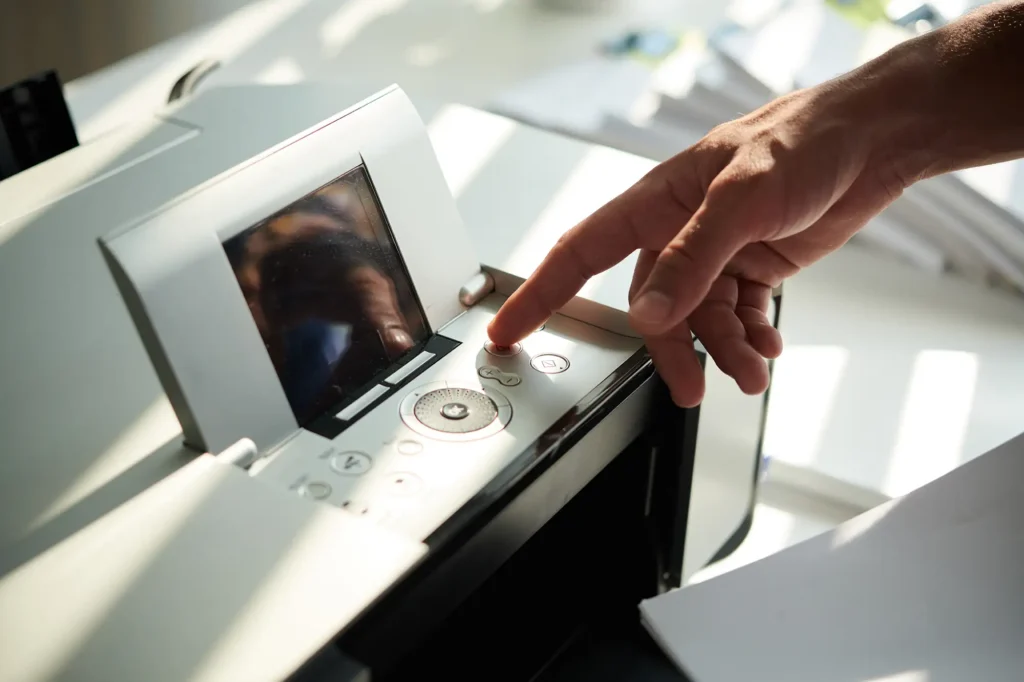
Introduction Installing a printer on your device can sometimes feel like a challenge, but it doesn’t have to be! Whether you’re setting up a printer for the first time or connecting it to a new device, we’ve broken down the process into easy-to-follow steps. Let’s get your printer up and running in no time. Understand […]
The Beginner’s Guide to Backing Up Your Phone
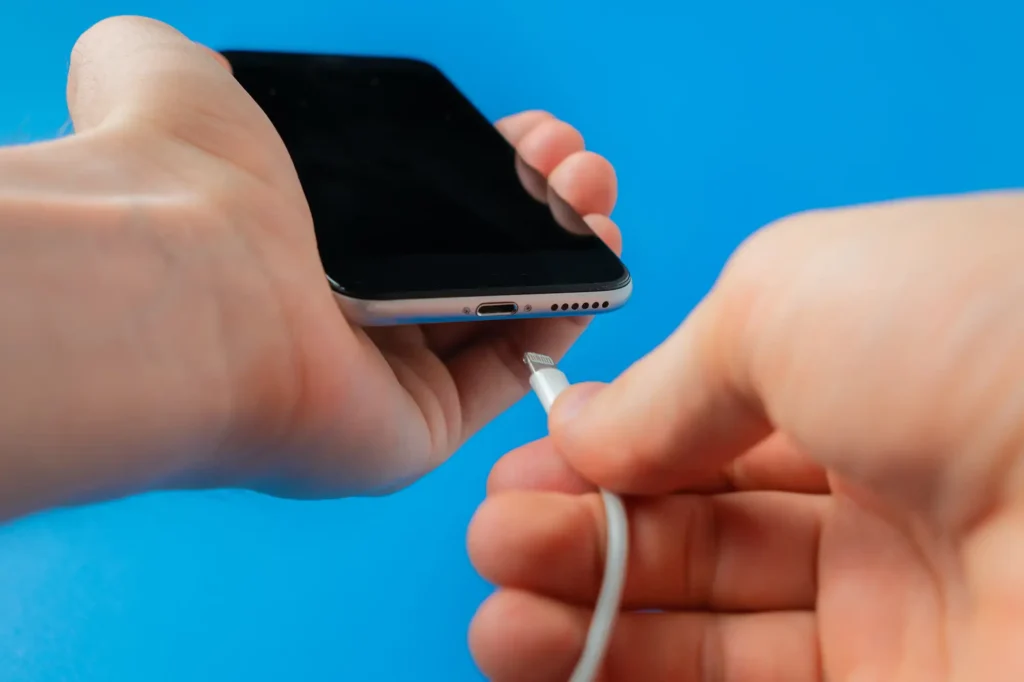
Phones store a lot of valuable data, from photos and contacts to important documents and messages. But what happens if your phone is lost, damaged, or upgraded? That’s were backing up your phone comes in. Don’t worry if you’ve never done it before — this guide will walk you through the basics, ensuring your data is safe and secure, no matter what happens.
Laptop Won’t Turn On? Here’s What You Can Do

Your laptop won’t turn on, and panic sets in. Don’t worry — most of the time, the issue is something small and fixable. Before you rush to the repair shop or give up on your device, try these five simple steps. They could save you time, money, and stress.
How to Set Up Your Smart TV in Under 10 Minutes

A backup is a copy of data or files that you save in a separate location to protect them in case the original data is lost, damaged, or corrupted. This can include files, photos, or system settings, and backups can be stored on external drives, cloud services, or other devices.
How to Improve Your Wi-Fi Signal at Home

Slow Wi-Fi can be frustrating, especially when it disrupts your daily tasks. Whether it’s for work, streaming, or gaming, a strong Wi-Fi signal is essential for a smooth online experience. Luckily, there are several simple steps you can take to improve your Wi-Fi signal at home. Let’s walk through five easy fixes to boost your connection today.
